OpenAI Codex Access Guide
Now you can use models like
gpt-5.1-codexvia the UModelverse Platform .
🚀 Quick Start
1. Installation
-
Please ensure you have npm installed. Refer to the Node.js official website .
-
Install OpenAI Codex:
npm install -g @openai/codex@latest2. Configuration
2.1 Configure the Model Provider
Create and configure your ~/.codex/config.toml file in a Mac or Linux environment:
model_provider = "ucloud"
model_reasoning_effort = "high"
model = "gpt-5.1-codex"

[model_providers.ucloud]
name = "ucloud"
base_url = "https://api.umodelverse.ai/v1"
wire_api = "responses"
requires_openai_auth = true
2.2 Configure the API Key
Create and configure your ~/.codex/auth.json file:
{
  "OPENAI_API_KEY": "your-umodelverse-api-key"
}Note: Please replace
your-umodelverse-api-keywith the actual API Key you obtained from the UModelverse platform.
3. Use Codex
Once configured, you can run Codex directly in the terminal:
codexYou can switch models via /model, as shown in the image:
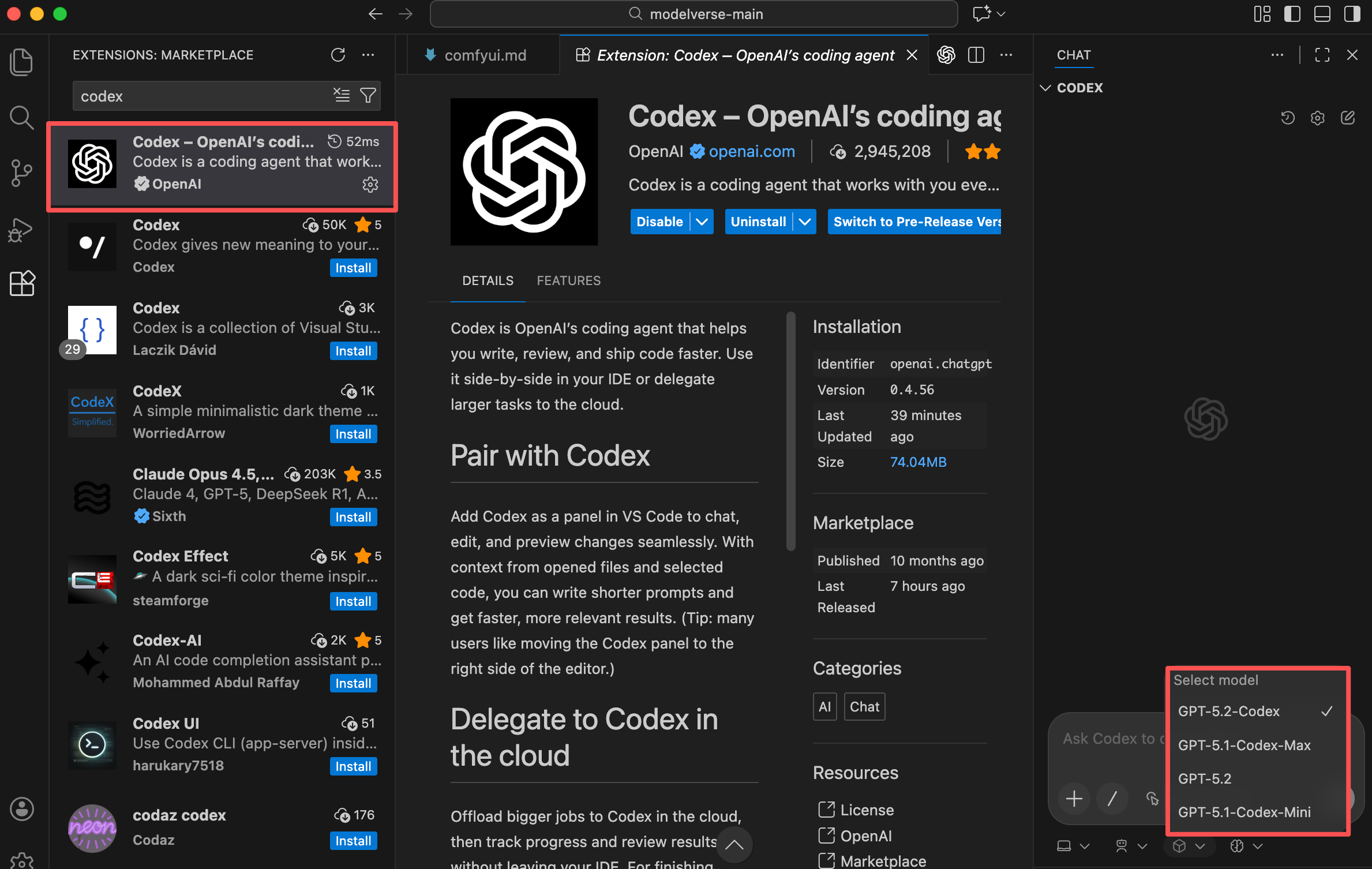
 You can also directly install the
 codex VS Code extension after configuring and use it by switching the model and reasoning effort.